Automation
HubSpot CRM Workflow System
A HubSpot CRM and automation workflow system designed to capture leads, route inquiries, and improve follow-up.
A HubSpot CRM and automation workflow system designed to capture leads, route inquiries, and improve follow-up.
Leads were coming from multiple places, follow-up was inconsistent, and the team did not have a clean way to see inquiry status.
Create a connected HubSpot workflow that captures inquiries, routes them, sends notifications, and gives the team a clearer lead pipeline.
Automation consultant and workflow designer
I mapped the lead journey first, then created workflow steps for form capture, CRM fields, notifications, and reporting checkpoints.
The workflow reduced manual follow-up gaps and gave the business a cleaner view of new inquiries and next actions.
Leads came from multiple sources with inconsistent follow-up and limited visibility into inquiry status.
The workflow connected inquiry capture, routing, notifications, and follow-up status inside a clearer HubSpot pipeline.
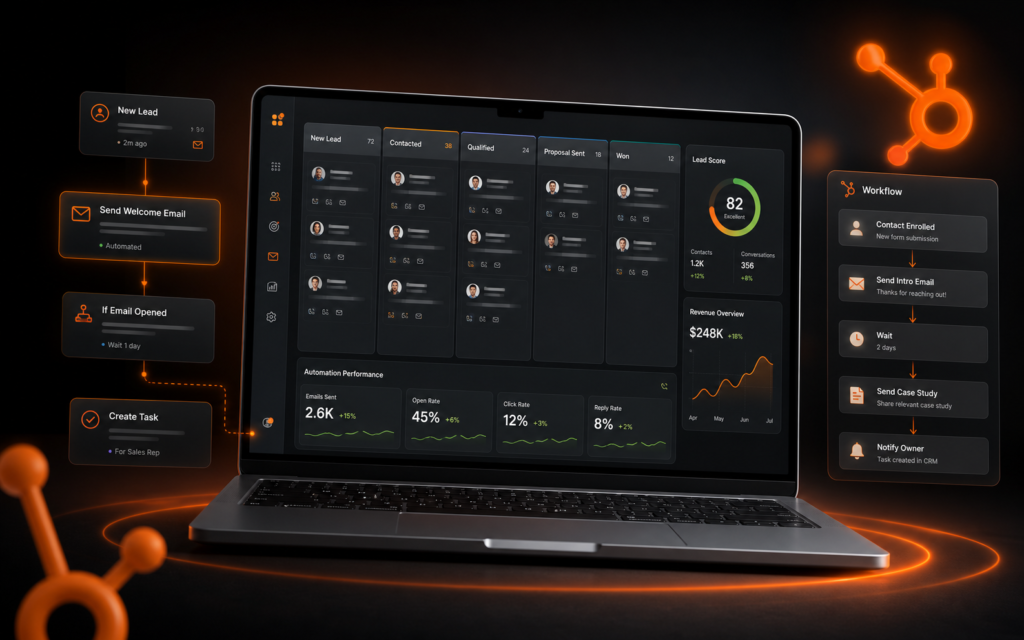
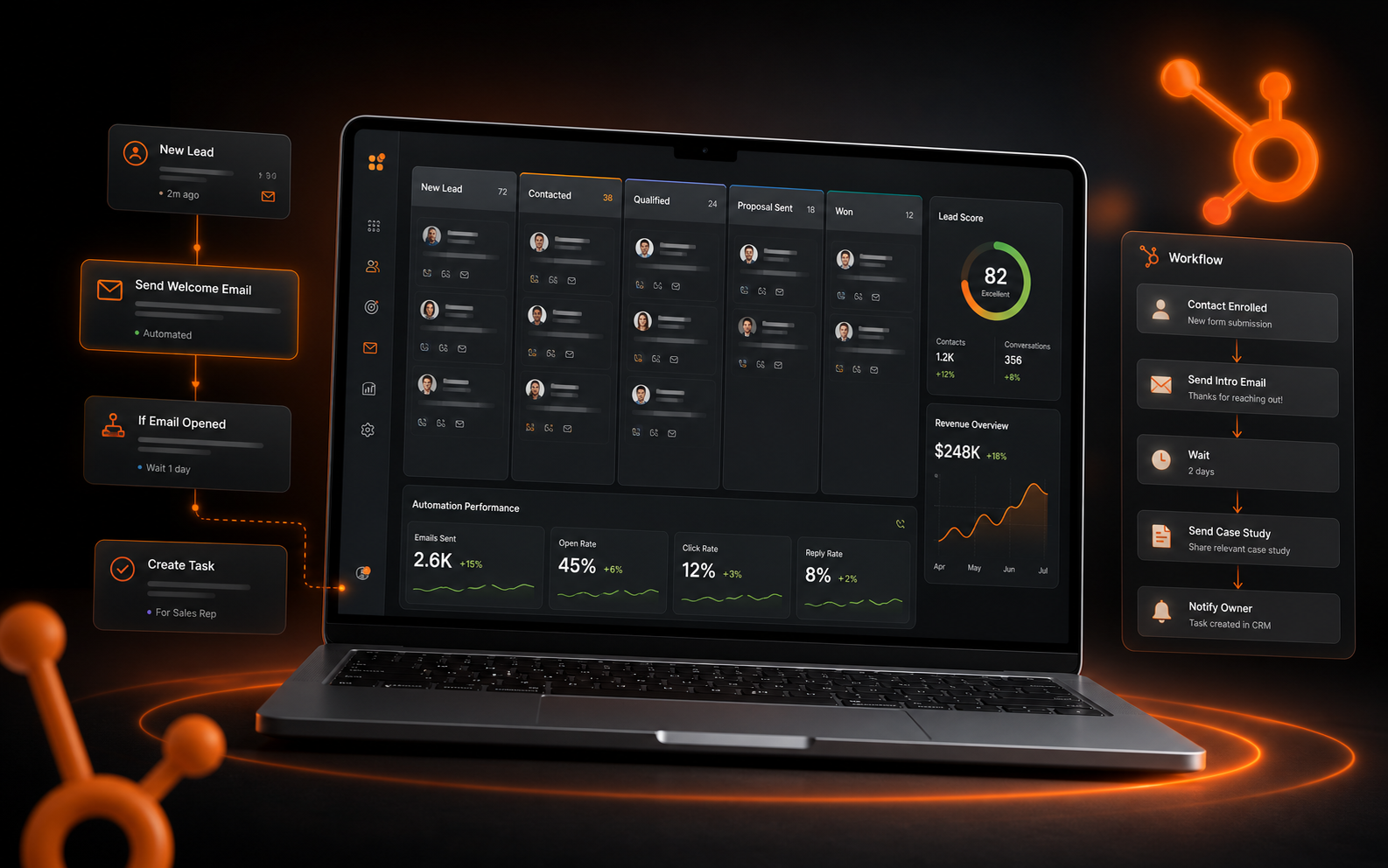
This project shows a CRM workflow system for a service business that needed cleaner lead capture, automated follow-up, and better visibility into inquiries. The setup connects website forms, HubSpot records, email notifications, and reporting logic.